How can you track training without an LMS?
You don't need an LMS to know if training landed. Here are the four metrics that matter, three ways to track training without an LMS, and when a full LMS is genuinely the right call.

Most teams assume tracking is the reason they need an LMS. Sometimes it is. But not always. The real problem is often trapped knowledge: buried in a deck, posted once in Slack, and gone. Knowledge that never moved can't be tracked, no matter what platform you're running.
For CS leads, sales enablement managers, and anyone tasked with a training rollout, the question is simple: did the right people go through it, and did it land? That's where knowledge in motion makes the difference.
This guide shows you what tracking training without an LMS actually takes, and when a full LMS is exactly the right call.
Is an LMS really the only way to track training?
Not anymore. An LMS is built for scale: complex reporting, audit trails, and hundreds of learning paths. But most teams don't need that infrastructure to track course completion, quiz scores, or who hasn't engaged yet. Tools like Coassemble let you build training content, share it through Slack, and see exactly who completed it. No separate platform required.
The 4 training metrics that matter for most teams
Not all data is worth tracking. Before you choose a tool or build a system, it helps to get clear on what metrics actually matter for your team.
Most mandated team leads need four things.
- Who completed the training: Course completion is the baseline. It tells you whether learners accessed and finished the resource, and flags who hasn't started yet so you can follow up before it becomes a problem.
- How learners performed: Assessment scores and quiz results show whether training content actually landed. Completion status alone doesn't tell you much. A learner can click through to the last slide without absorbing anything. Check scores fill that gap.
- Who needs a nudge: Knowing who hasn't engaged yet is just as valuable as knowing who has. It turns a passive report into an action list. One message to the right person closes the loop faster than any automated reminder.
- Whether the content is working: Engagement data (time spent, drop-off points, slides skipped) tells you where learners lose interest. That's the insight that helps you improve training materials over time, not just monitor them.
These four metrics don't require a learning record store, xAPI data, or enterprise analytics. For most teams tracking training without an LMS, they're everything.
What are your options for tracking training without an LMS?
There's no single solution here. The right tool depends on your team size, how often you run training, and how much manual work you're willing to absorb.
Here are the three most common approaches.
1. Spreadsheets: where most teams start
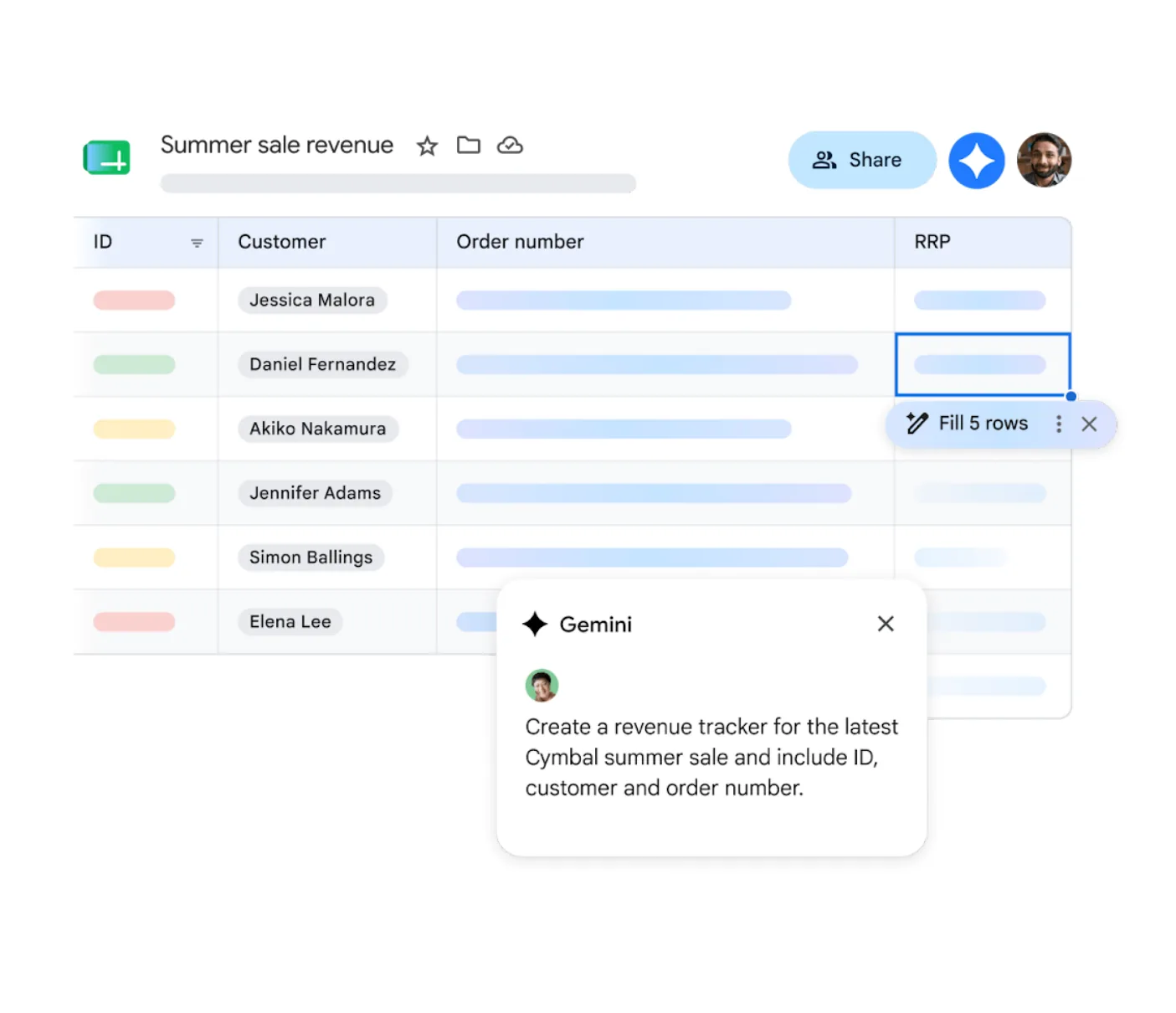
Via Google
Google Sheets is the default tracking system for small organizations. It's free, flexible, and requires zero onboarding. Team members self-report completion, a manager updates the sheet, and everyone can see the data in one place.
The problems surface fast. Manual updates can eat up two or more hours a week as training frequency increases. Version confusion is common, and there are no automated reminders to chase stragglers. A Google Sheet works for a team of five running one course per quarter. Beyond that, it breaks down quickly.
Pros:
- Free and immediately accessible
- No setup or onboarding required
- Flexible enough for simple tracking needs
Cons:
- Relies entirely on manual updates and self-reporting
- No automated reminders or real-time visibility
- Version confusion increases as team size grows
2. Embedded forms: lightweight but limited
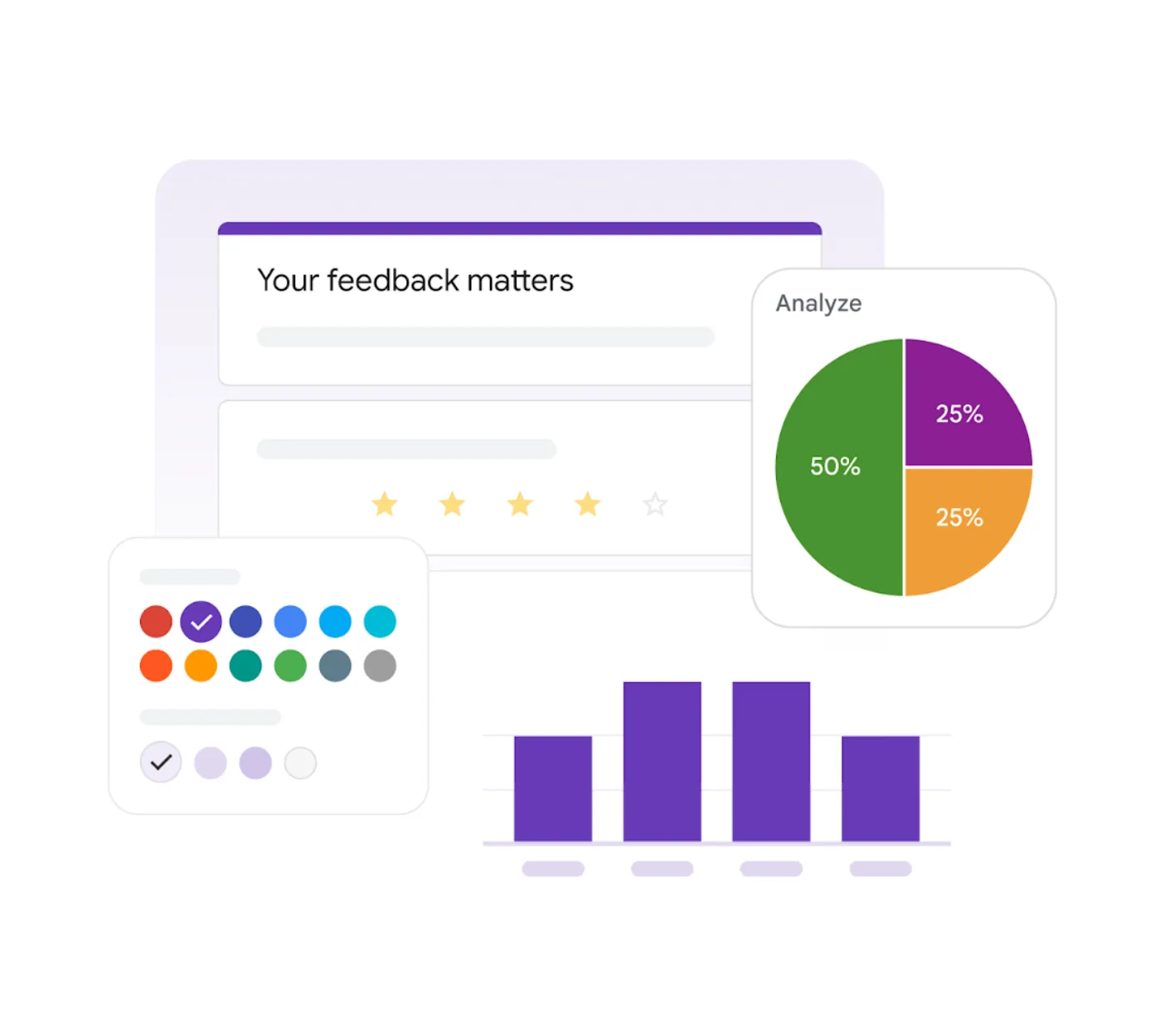
Via Google
Embedding a Google Form or Microsoft Forms check-in at the end of training content lets you collect completions without an LMS. Learners submit their name, confirm they finished, and answer a few questions. You get a record. It's a reasonable workaround for very simple use cases.
The limitations are real. Embedded forms rely entirely on learner self-reporting, with no visibility into who is partway through. Aggregate data lands in a separate spreadsheet that you have to manage manually.
And because you only know someone submitted the form, you have no way to track engagement at the screen level. Not how they moved through the course content, or where they dropped off.
Pros:
- Free to set up using existing tools
- Captures basic completion and quiz responses
- No additional platform required
Cons:
- No real-time visibility into learner progress
- Relies on learners to self-report accurately
- No screen-level engagement data
3. Built-in tracking inside your training tool
Some course creation tools include completion and engagement tracking as standard. No LMS required, no embedded forms, and no Google Sheet to maintain. You build the training, share it through Slack, and the platform shows you who viewed it, who completed it, and how they scored.
For teams that already live in Slack, it's about making the place where work happens the place where training lands, gets tracked, and gets used, without adding infrastructure or chasing the data down.
Pros:
- Tracking happens automatically; no manual updates
- Real-time visibility into completion, scores, and engagement
- Delivers and tracks training through Slack in one workflow
Cons:
- Requires a dedicated course creation tool
- May not meet compliance audit trail requirements in regulated industries
How does Coassemble track training without an LMS?
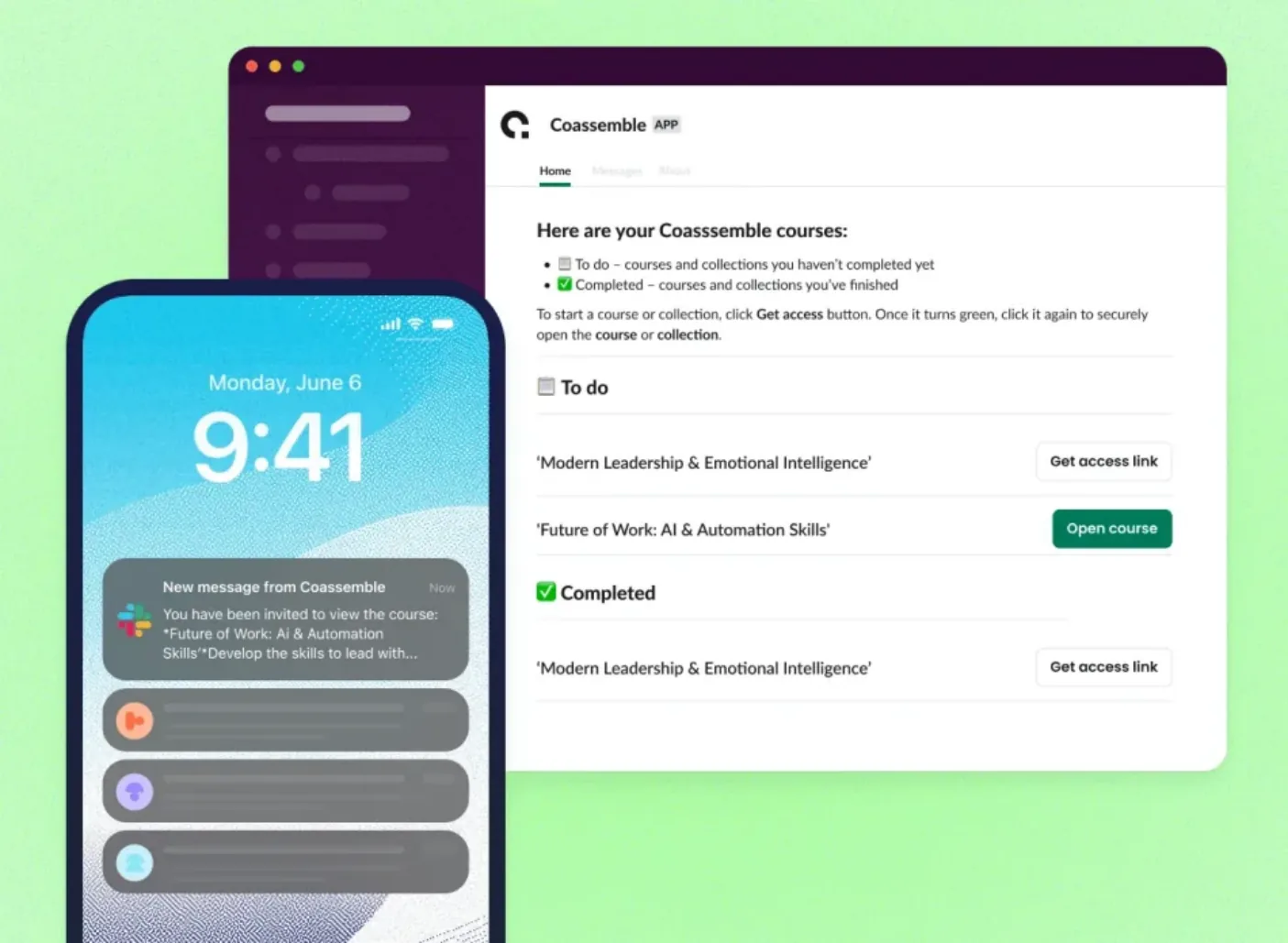
Coassemble turns a Slack channel into a structured training hub. When a team shares a resource to a Slack channel, tracking happens automatically in the background.
The team lead gets a real-time dashboard showing:
- Completion rates per course
- Individual learner progress
- Quiz and check scores
- Who hasn't started yet, so you can follow up before it becomes a problem
The Slack integration takes it further. Instead of logging into a separate platform to check completion status, leads get notified the moment someone starts or completes a resource directly inside Slack. Need more detail? One click surfaces the full learner analytics view.
Dragos Apostu, a learning consultant at Nectara working across multiple corporate clients in Europe, came to Coassemble specifically because he needed to deliver training and track engagement without being locked into each client's LMS.
For a CS lead rolling out product knowledge before a launch, the need is even simpler, and the answer is the same. Designing training that actually works in Slack starts with making sure the data follows it. Coassemble does both. Explore the right plan for your team and start tracking training where work already happens.
Do you actually need an LMS for tracking?
Honest answer: sometimes, yes. There are situations where LMS-grade infrastructure genuinely earns its place.
- Regulated industries where formal audit trails are a legal requirement: healthcare, financial services, and compliance-heavy environments where proof of completion needs to be stored and retrievable on demand
- Certification programs where a learner needs a verifiable record tied to a specific course version, completed on a specific date
- Large organizations managing hundreds of learning paths, automated enrollment across departments, and complex reporting for multiple stakeholders
If that's your situation, an LMS makes sense. It's the right tool for that problem.
A team lead has a mandate and a deadline. They need to know who completed the training and whether it landed, not a six-month procurement cycle.
For those teams, the best LMS alternatives aren't watered-down versions of enterprise systems. They're purpose-built tools that move at the speed the team actually works, and plug into the workflows like Slack, where knowledge already lives.
The right tool is the one that solves your current problem. For most team leads tracking a single rollout, something lighter and faster gets the job done.
Conclusion
Training doesn't disappear without an LMS. What matters is whether the right people accessed it, understood it, and can apply it. And that visibility is available without enterprise infrastructure.
A structured, trackable resource built in Coassemble and shared through Slack gives a team lead everything they need: completion data, quiz scores, and a clear picture of who's engaged and who isn't.
Ready to start? Creating a trackable resource doesn't require a course budget or an instructional designer.
FAQs: How to track training without an LMS
How do you track employee training without an LMS?
Build training in a tool that includes tracking as standard. Share it via a direct link or Slack. The platform captures who completed it, how they scored, and who hasn't engaged. No separate system needed.
Can you track training completion directly in Slack?
Yes. Coassemble integrates with Slack so learners receive training in their existing workspace. Team leads get notified when someone starts or completes a course without leaving Slack.
What is the difference between a training tracker and an LMS?
A training tracker monitors completion and engagement for a specific course or rollout. An LMS manages entire learning programs (enrollment, certifications, compliance reporting) across an organization.
Do you need an LMS to track compliance training?
In regulated industries like healthcare or financial services, yes. Formal audit trails and verifiable completion records are often a legal requirement. For most internal training, a dedicated LMS is not necessary.
What training metrics should you actually be tracking?
The four that matter most: course completion rates, assessment scores, who hasn't engaged yet, and engagement data showing where learners drop off or lose interest.