How to deliver employee training on Slack
Email training quietly disappears — most employees never read it. Your team is in Slack right now. Here's how to set up channels, automate delivery, and track completion to deliver employee training where work actually happens.
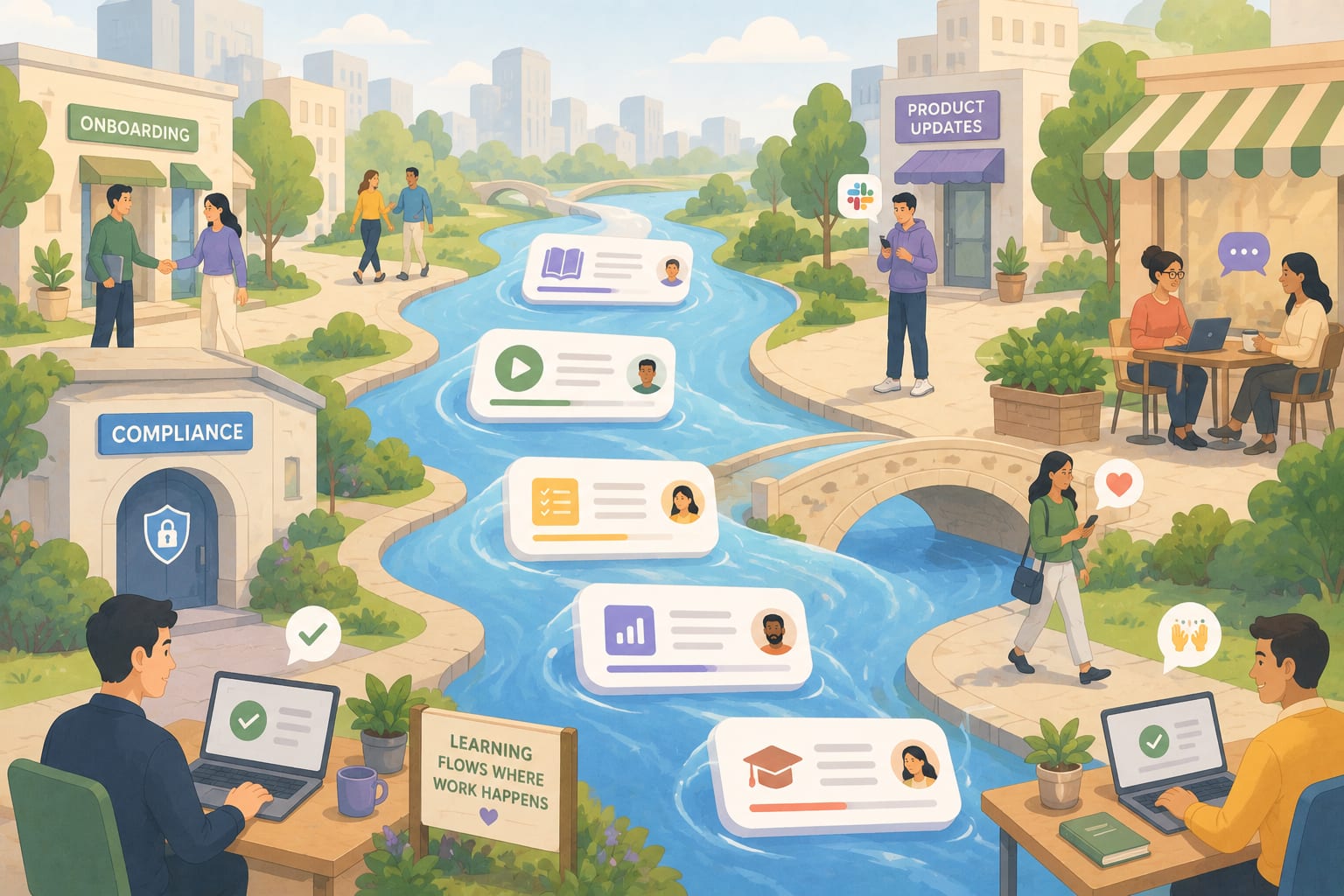
Thinking about delivering training through Slack but not sure if it's actually the right place for it? Here's a number worth sitting with: even when employees open internal emails, only 37% actually read them, and just 24% click through to any links inside. Training sent by email isn't just inconvenient. It's quietly disappearing.
Meanwhile, your team has Slack open right now. The delivery channel was always the problem. This guide covers exactly how to fix it: the channel setup, the delivery mechanics, what Slack genuinely does well, and where it falls short.
How does delivering training in Slack actually work?
You build structured training outside of Slack, then share it as a link inside the right channel at the right moment. Tools like Coassemble let you take that further. One click opens a trackable, interactive resource without requiring a separate login or a new platform to learn.
How to deliver employee training in Slack
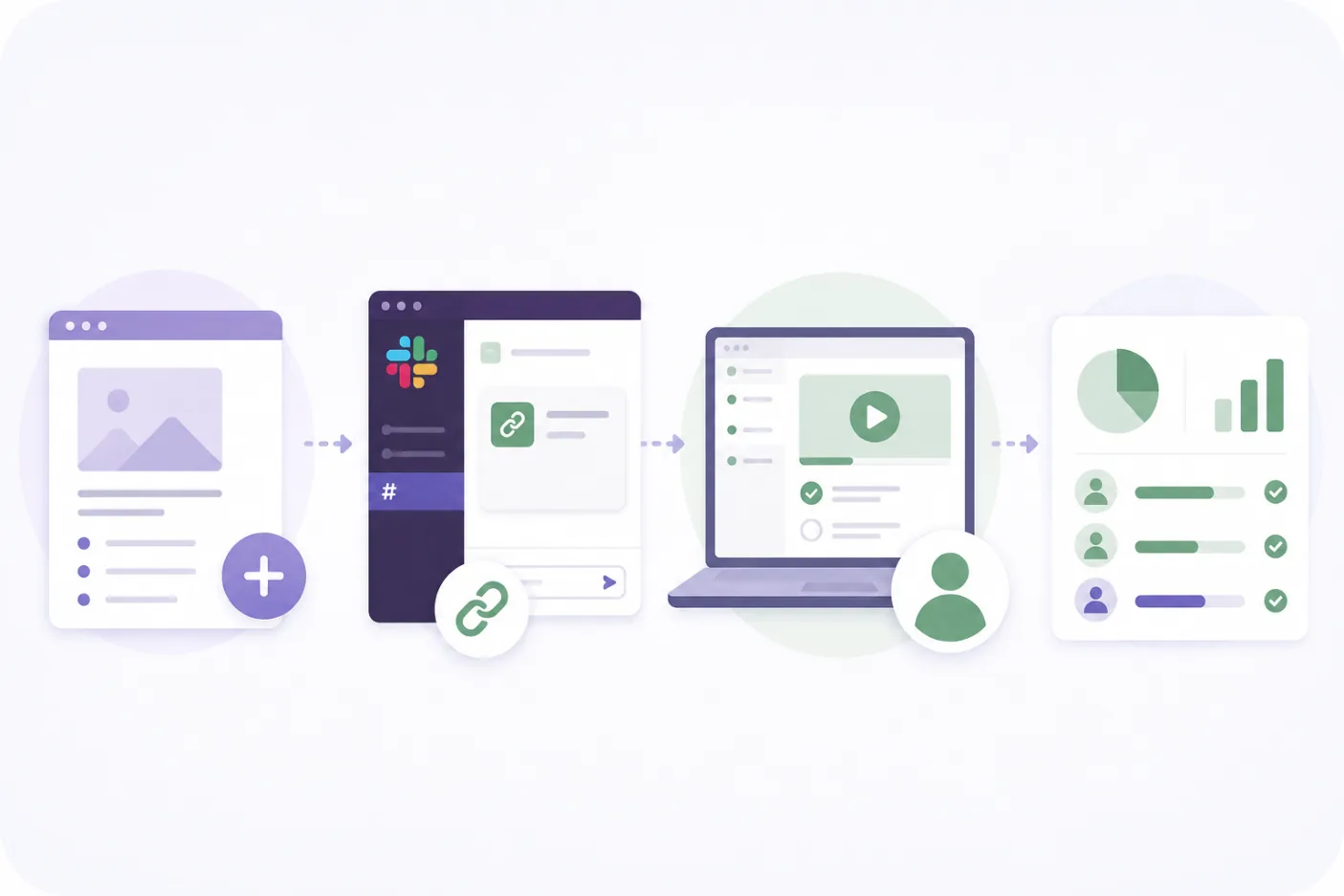
The channel setup, the message framing, and the timing affect whether training gets completed or ignored. Here's how to get each part right.
1. Set up dedicated training channels
Create channels with a clear purpose, so employees know what to expect when they land there. A structure that works:
- #onboarding-[cohort] - new hire training, cohort by cohort, so content stays relevant and timely
- #compliance-training - security awareness, policy updates, mandatory completions
- #product-updates - training tied to new feature releases or process changes
- #skills-development - optional, ongoing learning for those who want it
- #training-questions - a low-pressure place to ask without interrupting other channels
Channel naming matters. Clear prefixes like #training- or #learn- make channels easy to find and signal that the content there is purposeful, not casual.
2. Pin resources so training doesn't disappear
Use pinned messages in each channel to keep key resources visible without requiring people to scroll back through history. Combine with bookmarks in the channel header for the most critical materials. It's a small habit that makes the difference between knowledge that gets used and knowledge that gets ignored.
3. Use Slack's Workflow Builder for automated delivery
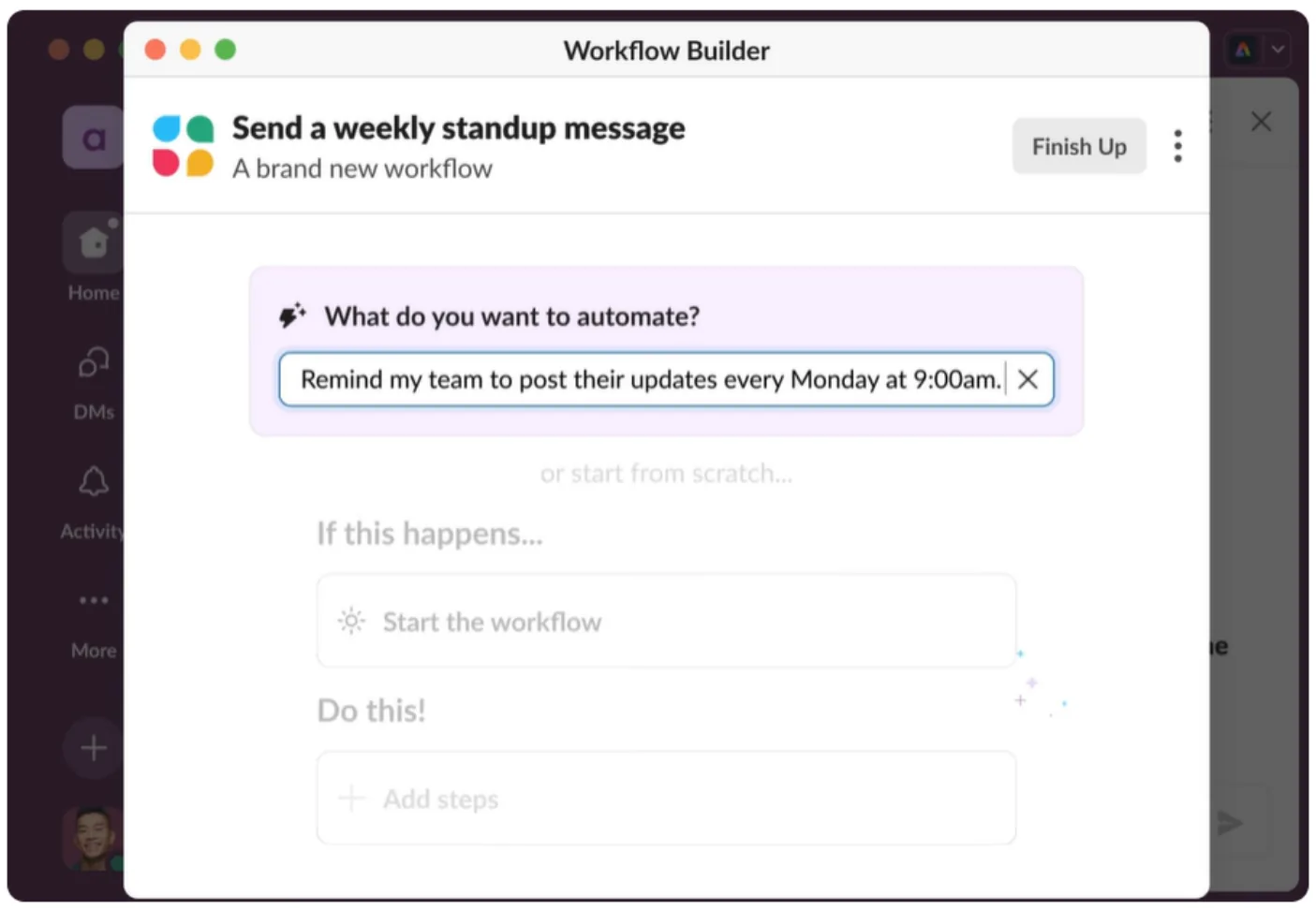
Workflow Builder lets you send scheduled or triggered messages automatically. No manual posting required.
Practical uses:
- Automatically send an onboarding resource link to a new hire when they join #onboarding
- Schedule a compliance training reminder on the first Monday of the month
- Trigger a product update module the day a new feature ships
This removes the "I forgot to post it" problem. Training arrives at the right moment, not whenever someone remembers to share it.
4. Share training as a message, not just a link
How you share matters as much as where. A bare URL dropped in a channel gets ignored. A short message with context gets clicked.
Frame every training share with three things: what it is, why it matters now, and how long it takes. For example:
"👋 New onboarding module live: Getting started with [product feature]. It takes about 8 minutes and covers the update that shipped this week. Please complete before Thursday's team sync. [link]"
5. Use threads for discussion, not a separate channel
After sharing a training resource, open a thread immediately with one question to spark engagement: "What's one thing from this that changes how you handle X?"
Threads keep discussion contained and visible without cluttering the channel. They also surface practical knowledge that the training itself might not capture, the kind that usually stays trapped in someone's head or buried in a Slack message from six months ago.
What Slack does well for training delivery
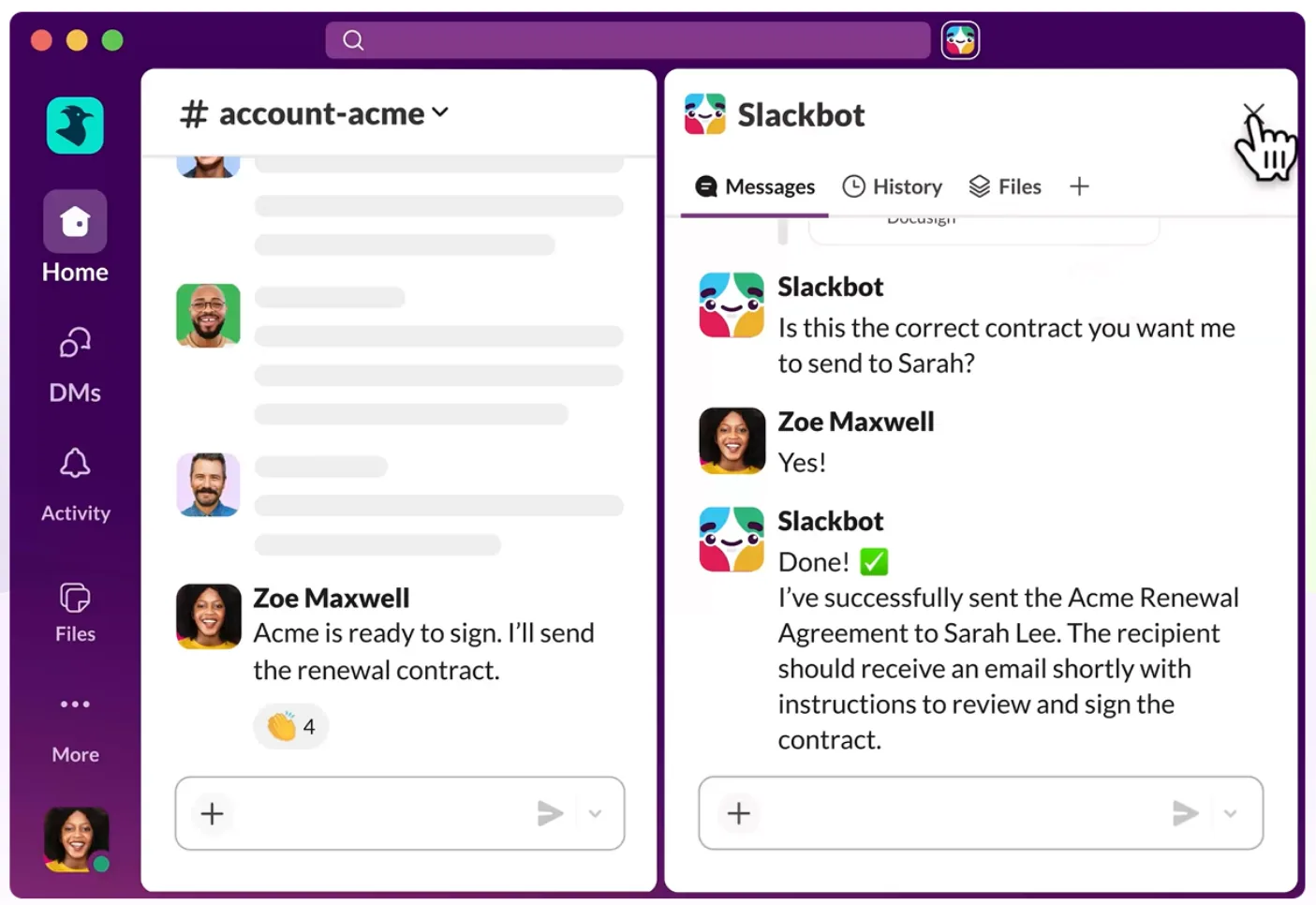
Slack isn't a training platform. But it has genuine strengths worth understanding before you hit its limits.
- Reach: Slack gets seen. Your team has it open all day; training shared here doesn't compete with 150 unread emails from three days ago
- Context: A product update resource shared in #product lands with exactly the right people at exactly the right time
- Speed: You can share a training update in seconds, the moment something changes; no waiting for a session to be scheduled or a campaign to be built
- Discussion: Threads let people ask questions and share reactions in the same place the training landed, something email can't replicate
- Visibility: Pinned messages and channel bookmarks keep important training findable long after the original post
For teams who want to go deeper on this, turning Slack into a proper learning hub starts with getting these foundations right.
Where Slack falls short as a training platform
Slack gets knowledge moving. But it wasn't built to structure it, and that gap shows up fast once you're trying to run anything beyond a simple link drop.
- No native course structure: Slack has no module sequencing, lesson flow, or guided learning path. A link to a document is not a course
- Canvas has real limits: Canvas lets teams create documents inside Slack, but there are no quizzes, no completion tracking, and no structured progression; it works for reference material, not formal training delivery
- No completion visibility: Posting a link tells you nothing. There is no way to see who clicked, who finished, or who hasn't started. This means the chasing problem doesn't go away, it just moves to Slack DMs instead of email
- Content disappears fast: Without deliberate pinning and structure, training posted in a busy channel is buried within days
- Notification fatigue: If training lands in a noisy channel with no framing, it blends into everything else
This is the gap that most remote and distributed teams hit first. Slack gets knowledge moving, but it can't make knowledge stick.
How Coassemble fills the gap
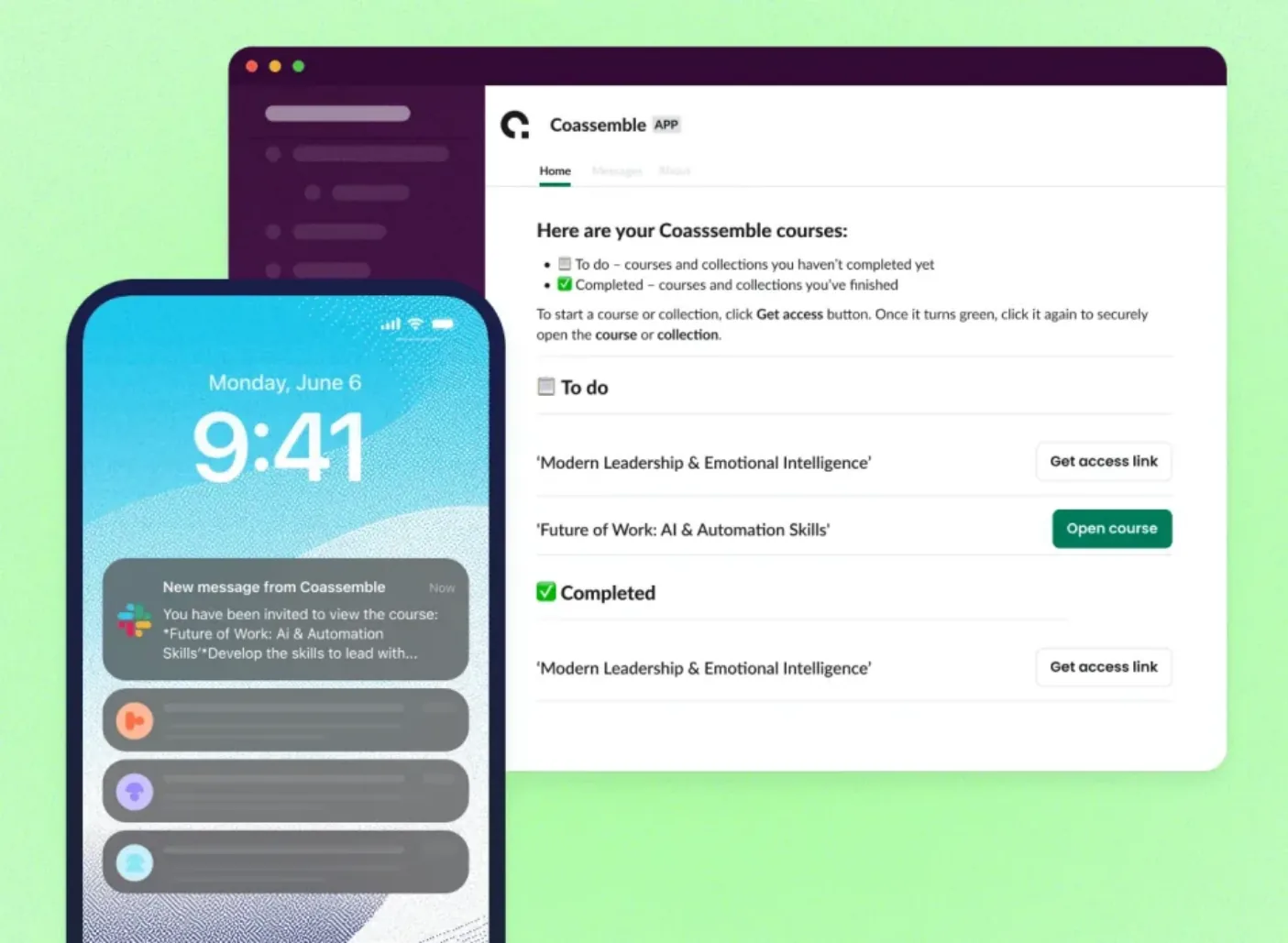
The problem with delivering raw documents or links through Slack isn't the delivery. It's what's on the other side.
Someone clicks a link, lands on a PDF, skims it, closes it. You have no idea it happened. There's no structure, no progression, no way to know whether the knowledge landed.
Coassemble turns that document into an interactive, trackable resource, with a clear lesson flow, quizzes, and a branded experience, and lets you share it directly as a Slack link. Learners click once, complete the training without a separate login, and you see completion in real time.
Here's how it works in practice:
- Upload an existing doc, SOP, or policy into Coassemble, or build from scratch using the AI builder. When bringing existing content in, choose Transform over Convert. Transform restructures your content for online learning with better pacing and interactivity. Convert imports it word-for-word, which rarely makes for engaging training.
- Share the course link directly into any Slack channel, DM, or thread.
- Learners click once. No new login or a new platform to navigate.
- Coassemble notifies you when someone starts or finishes.
- Follow up in Slack for anyone who hasn't completed.
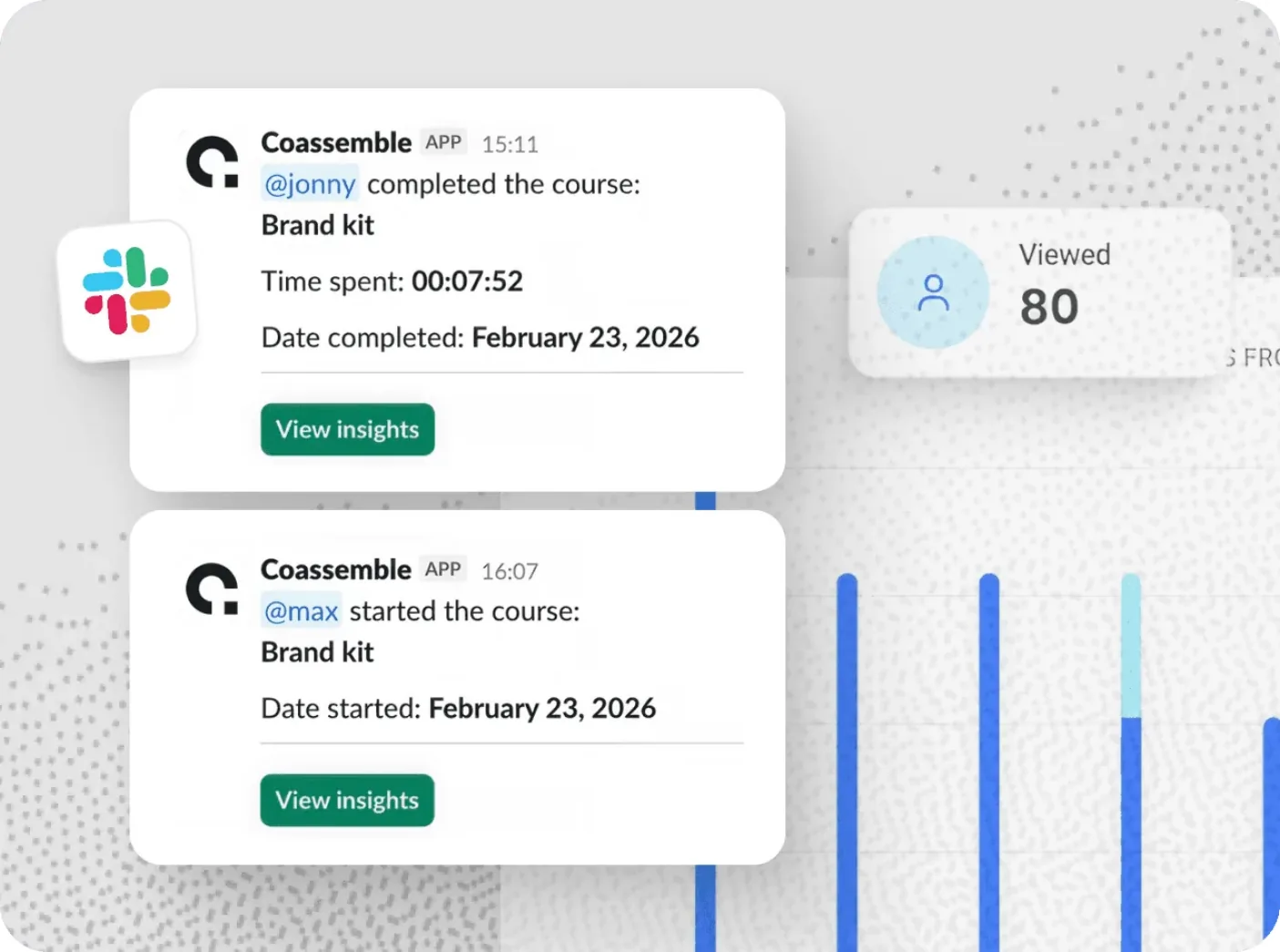
Most LMS platforms send a Slack notification, then redirect learners back into their own environment. Coassemble makes Slack the actual delivery layer, not just the reminder mechanism.
For teams thinking about how to design learning experiences inside Slack, that distinction matters more than it might seem.
Other things to consider when delivering training through Slack
Getting the basics right is one thing. These are the factors that separate teams who see consistent completion from those still chasing it.
Timing and frequency
People engage more at the start of the day or before team meetings. Avoid Fridays and end-of-month crunch periods. Stagger multi-module training across days rather than dropping everything at once.
Length
Shorter completes. A resource people can finish in under 10 minutes fits naturally into a Slack workflow. Anything longer and people save it for later, which usually means never.
Who posts it
Training lands better when it comes from the relevant team channel, not a generic #announcements broadcast. A product update shared by the product lead in #product carries more weight than the same link posted company-wide by HR.
Tracking beyond completion
Completion rate is the floor, not the ceiling. Look at where learners drop off, which quiz questions get answered wrong consistently, and whether the same knowledge gaps appear across cohorts. That tells you whether the training is working, not just whether it was clicked.
Recurring vs. one-time training
Some training is evergreen: onboarding, core compliance. Some needs updating as things change: product knowledge, process updates. Keep these separated in your channel structure so employees know what's a one-time requirement and what's a living resource to return to. A solid knowledge management strategy makes this distinction from the start.
Conclusion
Your team isn't going to start checking a separate training platform more often. But they are going to open Slack tomorrow morning.
Slack gives you the reach. Workflow Builder handles the timing. A clear channel structure handles the organization. And Coassemble handles the part Slack can't: the structured, trackable resource on the other side of the link.
If you've been chasing training completions by email, stop. The delivery channel was always the problem. Your team's already in Slack. Start there. And once knowledge is moving inside your workflows, it doesn't have to stop at internal teams. The same approach works for customers, partners, and beyond.
FAQs: How to deliver employee training on Slack
Can you deliver training through Slack?
Yes. Share training links directly into dedicated channels, use Workflow Builder to automate delivery, and pin resources so they stay visible. For completion tracking, you'll need a tool like Coassemble alongside it.
Does Slack have a built-in training feature?
No native course builder or completion tracking. Canvas works for simple reference docs, but it has no quizzes, no lesson flow, and no structured progression.
How do I track training completion in Slack?
Slack has no native completion tracking. Coassemble integrates directly with Slack. Learners click once from any channel and completions are tracked in real time without a separate login.
Why is employee training completion so low?
Usually a delivery problem, not a content problem. Training sent by email competes with everything else in the inbox. Delivering it inside Slack, in the right channel, at the right moment, gets it in front of people when it's actually relevant.