
Turn your OneDrive files intointeractive training in seconds.
Stop downloading and re-uploading documents. Connect your OneDrive to Coassemble and transform your content directly into shareable training courses.

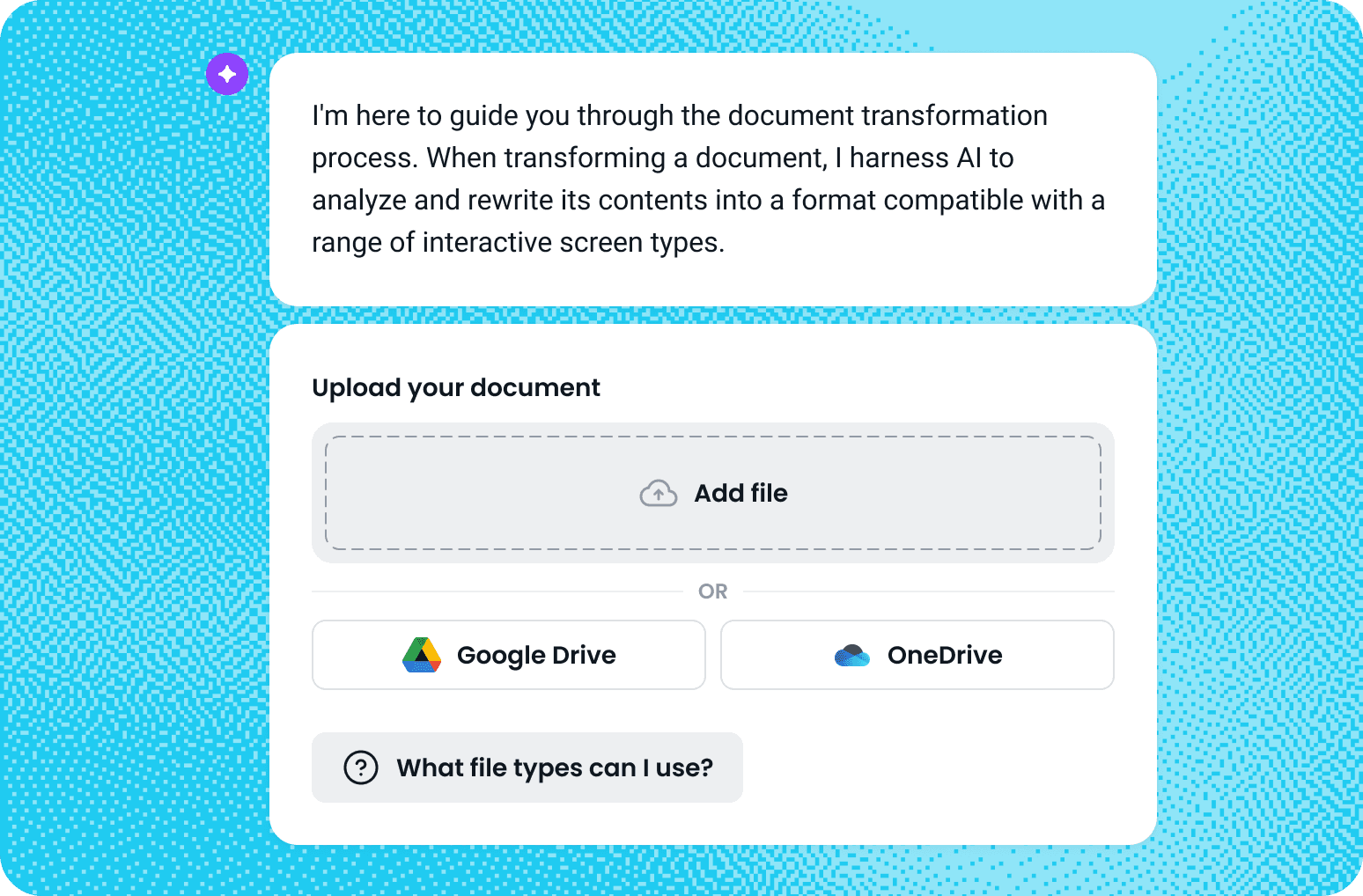
Connecting OneDrive is simple
Open the Transform a Document tool from your Coassemble dashboard, choose Upload from OneDrive, and sign in with your Microsoft account to authorize the connection. Once linked, you can browse your OneDrive directly within Coassemble, pick the document you want, and the platform will instantly convert it into a ready-to-edit course you can customize and share.
Why connect Coassemble and OneDrive?
Eliminate friction
Upload files directly from OneDrive. No switching between tools.
Keep your content organized
Pull in the right files from your existing folder structure — fast and easy.
Get training live faster
Transform docs into editable courses and share them instantly with your team or learners.
Join the knowledge
revolution today
Unlock knowledge. Boost engagement. Drive results
No credit card required