
Transform your Google Docsinto training instantly.
No more downloading, uploading, or hunting for the latest version. Connect your Google Drive to Coassemble and turn your existing docs into courses in seconds.

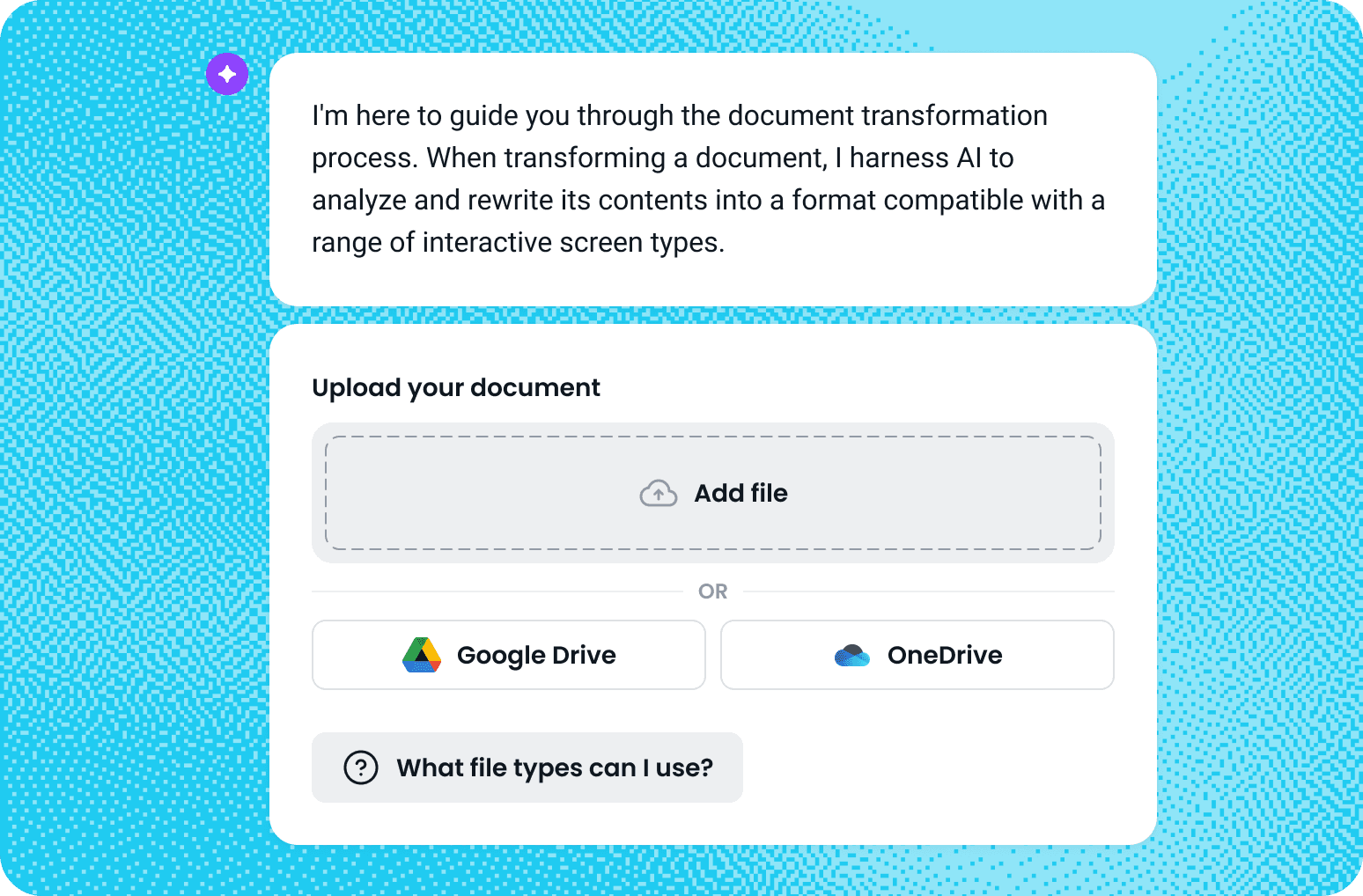
Connecting Google Drive is simple
Open the Transform a Document tool from your Coassemble dashboard, choose Upload from Google Drive, and sign in with your Google account to authorize the connection. Once linked, you can browse your Drive, select a document, and Coassemble will automatically transform it into a ready-to-edit course. No extra steps, no duplicate files — just a faster path from content to course.
Why connect Coassemble and Google Drive?
Skip the manual upload
Import files directly from Google Drive without local saves or version chaos.
Stay in sync
Always access the latest version of your docs straight from the source.
Work smarter
Turn your existing SOPs, guides, or training materials into interactive courses without breaking your workflow.
Join the knowledge
revolution today
Unlock knowledge. Boost engagement. Drive results
No credit card required