

Microlearning is a training method that delivers knowledge in short, focused lessons built around one concept at a time. Learners complete them at their own pace, typically in under 10 minutes, on any device, in the flow of work.
You might also see it called:
- Microtraining
- Bite-sized learning, or
- Learning nuggets
It works because of the forgetting curve. People forget most of what they learn within days unless it’s reinforced. Short lessons with spaced repetition fix that.
This guide covers how microlearning works, its key benefits, real-world examples, and how any team lead can start building it today.
What are the benefits of microlearning?
Microlearning benefits teams in ways traditional training rarely can. Microlearning modules are shorter, faster to build, easier to update, and far more likely to get finished. For team leads managing knowledge problems in real time, that combination matters.
Higher completion rates than traditional training
According to BuildEmpire, traditional training programs see completion rates of around 20%. Microlearning courses reach 80-83% by comparison. The gap isn’t surprising; learners engage with short lessons because they fit into a workday without demanding it.
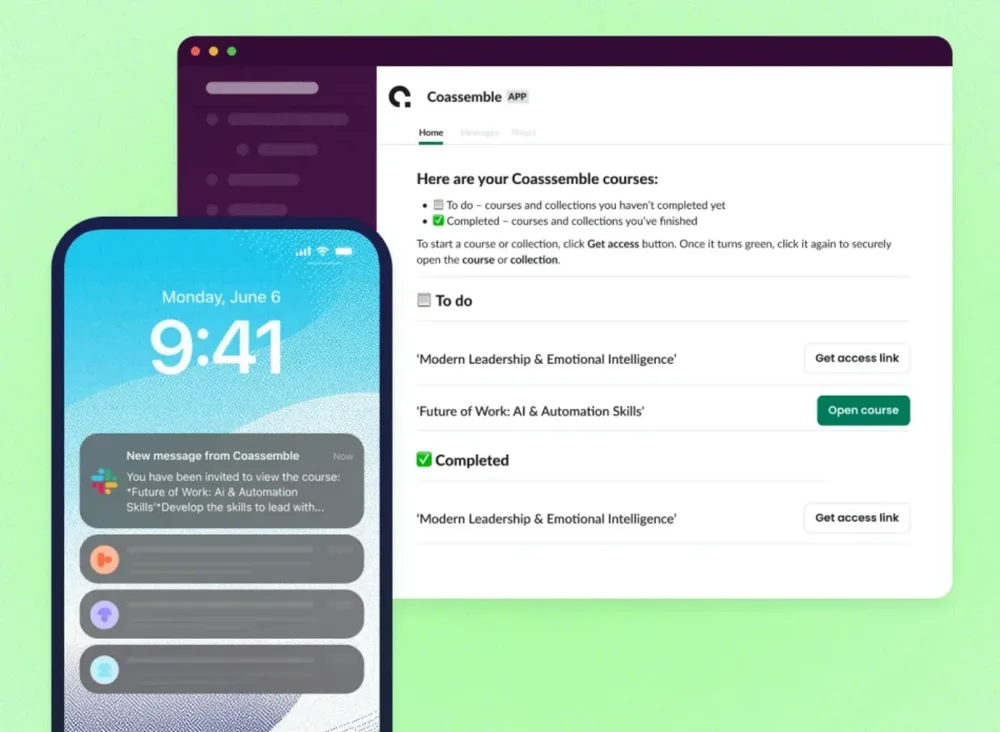
Coassemble is a knowledge transfer platform that turns existing docs, decks, and threads into short, interactive lessons. For example, a team lead can upload an internal document and Coassemble’s AI transforms it into a structured microlearning module in minutes, completable in the flow of work, and built to match how people actually learn.
Better long-term knowledge retention
Research shows microlearning boosts retention by 25-60% compared to longer training formats. Short, focused lessons reduce cognitive load and make it easier for learners to retain information and recall it when it counts.
Training that fits into the actual workday
Research across 700+ organizations found the average employee has just 24 minutes a week for formal learning. A single hour-long course consumes that budget entirely. Microlearning modules fit into the gaps, a few minutes between meetings, on a mobile device, at their own pace.
Faster and cheaper to build than full courses
Learning expert Ray Jimenez estimates microlearning allows teams to develop training up to 300% faster, while cutting development costs in half. That changes who can build it. The person closest to the knowledge like a product lead, a CS manager, an ops director, can create a structured, trackable resource without waiting on a design queue.
Easier to update as things change
Short lessons are modular by nature. When a process changes or a product ships a new feature, you update one small learning unit, not a sprawling course. For fast-moving teams, it’s the whole point.
What are examples of microlearning?
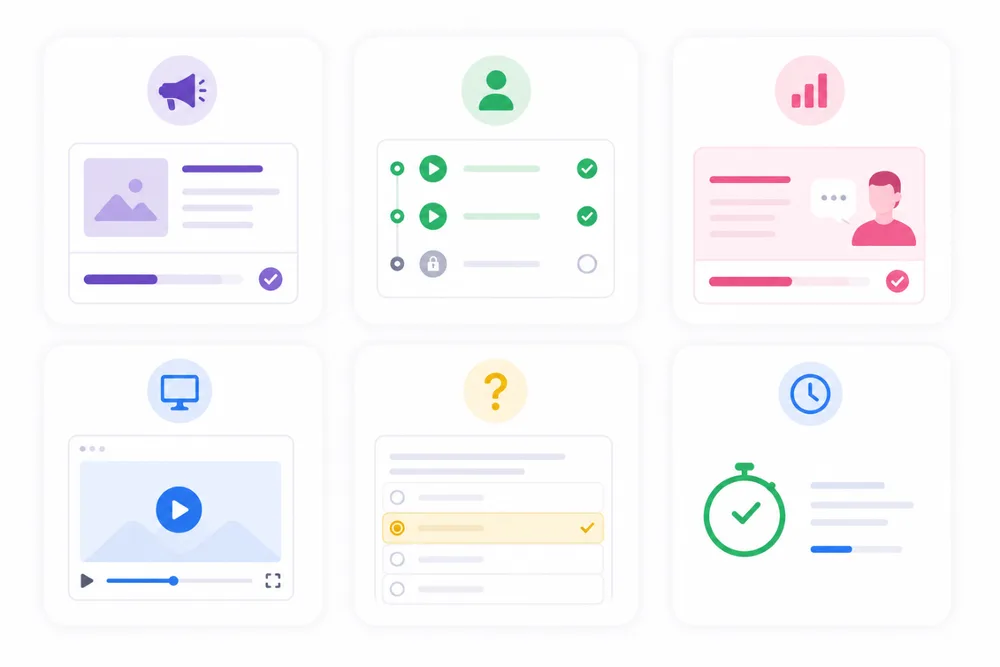
Common microlearning examples include short interactive lessons, quick quizzes, brief screen recordings, and bite-sized onboarding modules. In practice, microlearning focuses on any single piece of training a person can complete in under 10 minutes, like a product update lesson shared in a Slack channel.
The most recognizable example outside the workplace is Duolingo. Each session is a few minutes long, focused on one concept, and designed to be repeated daily. That same logic applies directly to team training.
Product update lessons
Instead of a long release doc nobody reads, a short interactive lesson goes out in Slack, covering what changed, why it matters, and what the team needs to do differently.
Reps get the context they need without sitting through a meeting. Completions are tracked, questions stop repeating, and the lesson stays live as a resource the team can return to whenever they need a refresher.
Onboarding micro-modules
Rather than a full-day induction, new hires work through a series of small, continuous learning units at their own pace. Each one covers a single topic:
- The product
- The process
- The tools
They can complete modules through mobile learning during a commute, dip back in when something doesn’t stick, and hit the ground running without needing a colleague to walk them through everything from scratch.
Each module builds new skills without overwhelming people on day one.
Sales playbook refreshers
Sales knowledge has a short shelf life. Instead of retraining the whole team from scratch, one short lesson closes the specific knowledge gap. Reps get relevant training in the flow of work, not a 40-slide deck dropped in a calendar invite two weeks after the fact.
Coassemble has ready-made templates for exactly this: Sales Rep Onboarding: Foundations for Success and Sales Presentation Skills give sales teams a structured, trackable starting point they can customize and share in minutes.
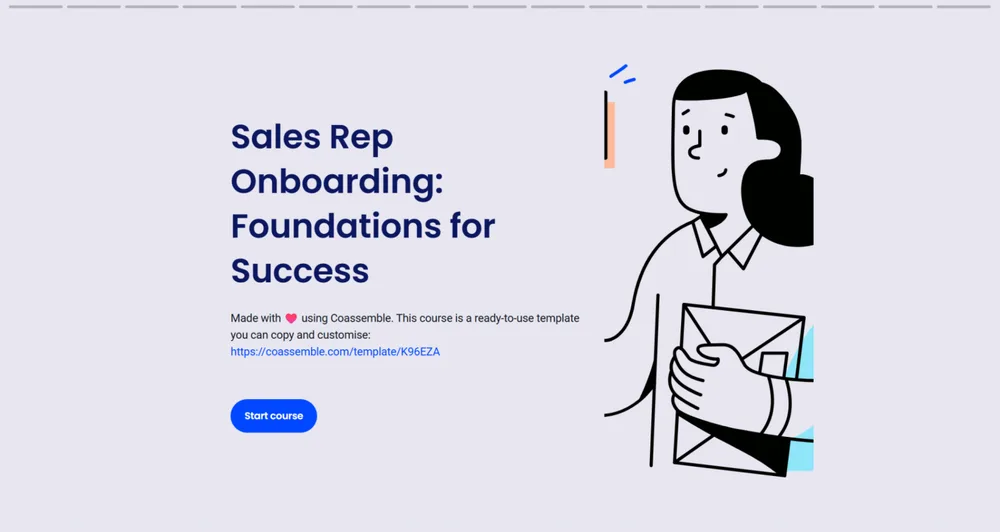
The lesson stays live in Slack, so anyone who joins later gets the same update without anyone having to repeat themselves.
Process and tool walkthroughs
Nowadays, new features roll out frequently, and it can be hard to keep up. A short microlearning video or screen recording with a quick quiz attached becomes the go-to resource, not a one-time training event that everyone half-remembers. Because the lesson is short and self-contained, it’s easy to update when the process changes, and easy to reshare when someone new joins the team.
Quick knowledge checks
Short quizzes reinforce what people already learned and surface knowledge gaps before they become performance problems. Gamesight, a lean fully remote team, used Coassemble to turn their text-based onboarding documentation into interactive lessons and quizzes. New hires consistently fed back that it was the best onboarding they’d experienced. Team leads get visibility into who’s across the material and who needs a nudge.
“Since using Coassemble to create presentations and quizzes on our onboarding materials, we have heard consistent feedback from new hires that Gamesight’s onboarding is one of the best that people have experienced. The blend of text-based, visual, and interactivity helps people of all learning-types succeed.”
How do you get started with microlearning?
Start by picking one recurring knowledge gap, turning existing material into a short structured lesson, and sharing it where your team already works. You don’t need to overhaul existing systems, just a doc and a tool that turns it into trackable training.
1. Start with one knowledge gap
The question your team answers repeatedly in Slack is your first lesson topic. Don’t plan a full curriculum; solve one problem. A CS lead fielding the same product question every week has a microlearning opportunity sitting right there. A people ops manager watching new hires struggle with the same onboarding step has another. Start small, prove the value, then build from there.
For example, one of the most frequently asked questions during onboarding is “How does our product actually work?” That’s your first lesson.
2. Use the knowledge you already have
Don’t write from scratch. That doc, deck, or Slack thread is your source material. The knowledge is just trapped in formats nobody revisits. Your job is to give existing knowledge a structure people can actually learn from, not to create new content.
3. Turn it into a structured lesson
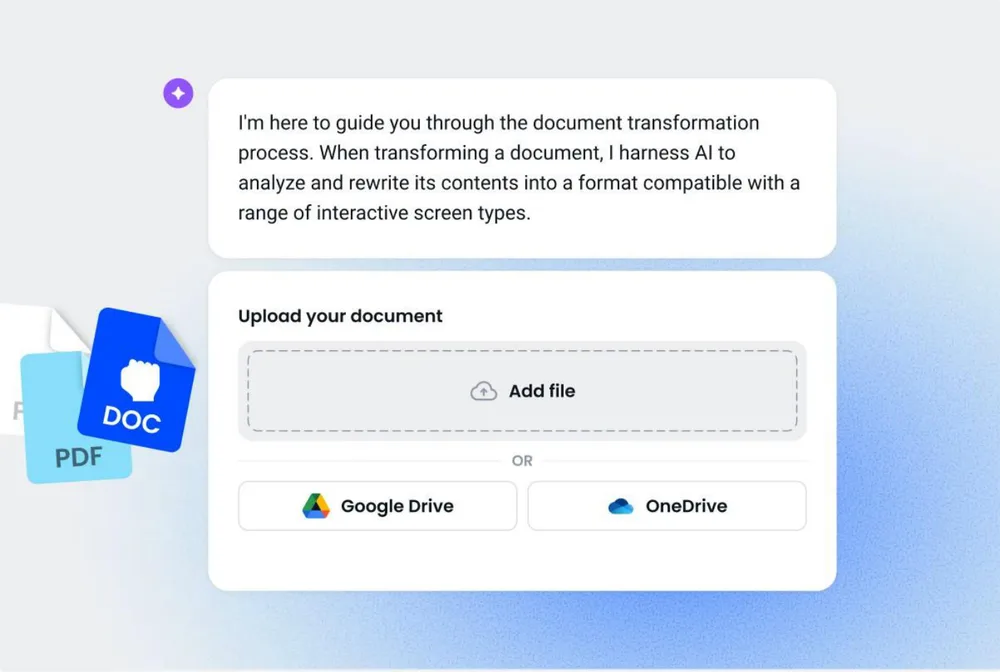
This is where a tool like Coassemble changes the equation. Upload a document, and the AI transforms it into a short, interactive, branded lesson in minutes. No design skills needed, no LMS admin, no waiting on an L&D queue. The result is a structured, trackable resource your team can actually engage with.
HACKTIFY, a cybersecurity consultancy, did exactly that. Their security consultants (not instructional designers) used Coassemble to build a modular training library from existing materials. What previously took 3–4 weeks to produce now takes a few days.
4. Share it where work happens
Deliver directly in Slack so the lesson lands in the channel where the question keeps coming up. That’s the difference between knowledge that gets used and knowledge that gets ignored. Embedded knowledge, inside the tools where work already happens, drives far deeper engagement than a link buried in an email.
For more on building a Slack-first learning strategy, this guide on turning Slack into a learning hub is a good next step.
5. Track completions and iterate
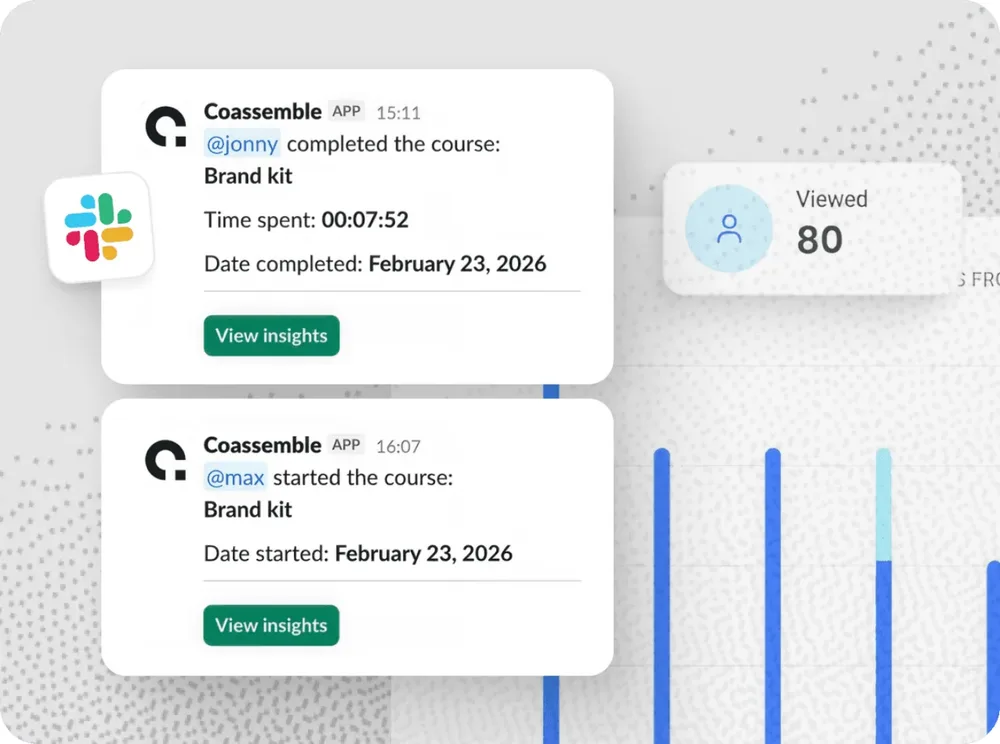
See who completed the lesson and where people drop off. Small learning units make iteration painless; update one screen, not an entire course. As your product evolves and processes change, your microlearning content evolves with it. That’s what makes it a living operational resource for skill development.
Conclusion
Microlearning works because it meets people where they are: in the flow of work, on their phones, in the gaps between meetings. The knowledge your team needs already exists. It’s sitting in a doc, a deck, or a Slack thread waiting to be structured and delivered.
The teams getting the most out of microlearning aren’t running formal training programs. They’re solving one knowledge gap at a time, building short trackable lessons from existing material, and sharing them where work already happens. That’s a microlearning strategy and it’s more achievable than most teams think.
If you’re ready to turn what your team knows into something they can actually learn from, Coassemble gives you the tools to build it in minutes and deliver it straight to Slack.
FAQs: What is microlearning?
What is the meaning of microlearning?
Microlearning is a training method that delivers knowledge in short, focused lessons built around one concept at a time. Lessons typically run 2–10 minutes and are designed to be completed in the flow of work.
What is an example of microlearning?
A short interactive lesson sent to a Slack channel after a product update is a practical example. Others include onboarding micro-modules, sales playbook refreshers, and quick knowledge checks.
Does microlearning actually work?
Yes. Research shows microlearning boosts knowledge retention by 25-60% and achieves completion rates of 80-83%, compared to around 20% for traditional training formats.
Which tool can I use to create microlearning content?
Coassemble is a knowledge transfer platform built for exactly this. Upload an existing doc or deck, and the AI transforms it into a short, interactive, trackable lesson you can share directly in Slack.
When should I use microlearning?
Microlearning works best for focused knowledge gaps: product updates, onboarding steps, process changes, or sales enablement. If a complex topic can be covered in under 10 minutes, it’s a strong candidate for a microlearning format.